
Open source · For AI coding agents
AI remembers.
Rill thinks.
A personal knowledge system that runs on your AI coding agent.
Capture your thoughts. Deepen them with AI. Distill into reusable knowledge.
Free and open source · macOS
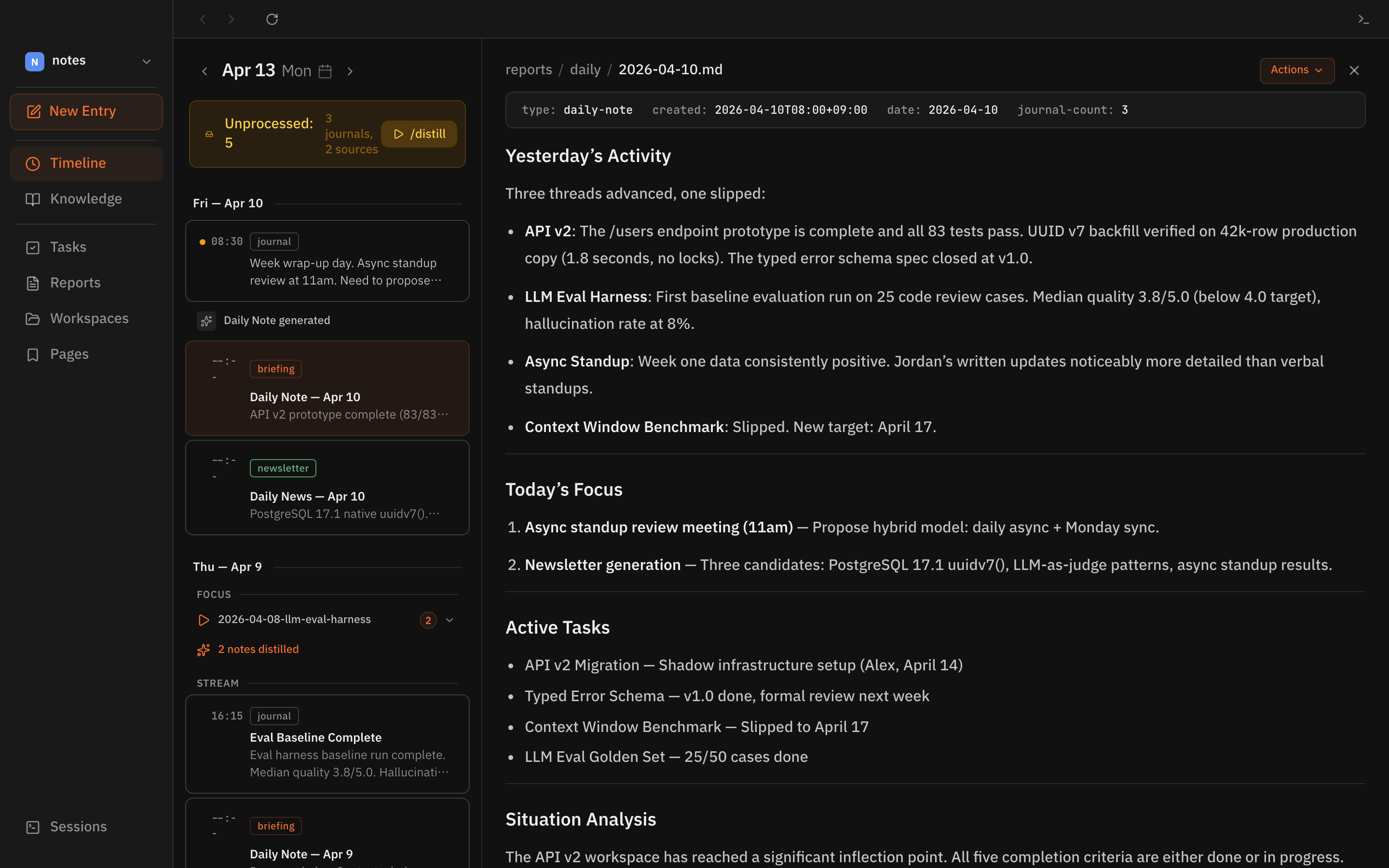
Not another note app.
AI chats forget your context after every session. Note apps store information but leave the organizing to you. Rill is different.
Context that accumulates, not resets
Every journal entry, meeting note, and web clip builds on what came before. Rill connects today's thought to last month's insight — automatically.
AI organizes. You think.
No folders to create, no tags to manage, no links to wire up. Rill distills your raw input into structured knowledge — entities, tasks, and connections emerge automatically.
Gets smarter the more you use it
Your knowledge graph grows with every input. Daily briefings become more relevant. Connections you didn't see surface on their own.
From thought to knowledge, automatically.
Rill automatically distills your raw input into structured knowledge — extracting entities, tasks, and connections.
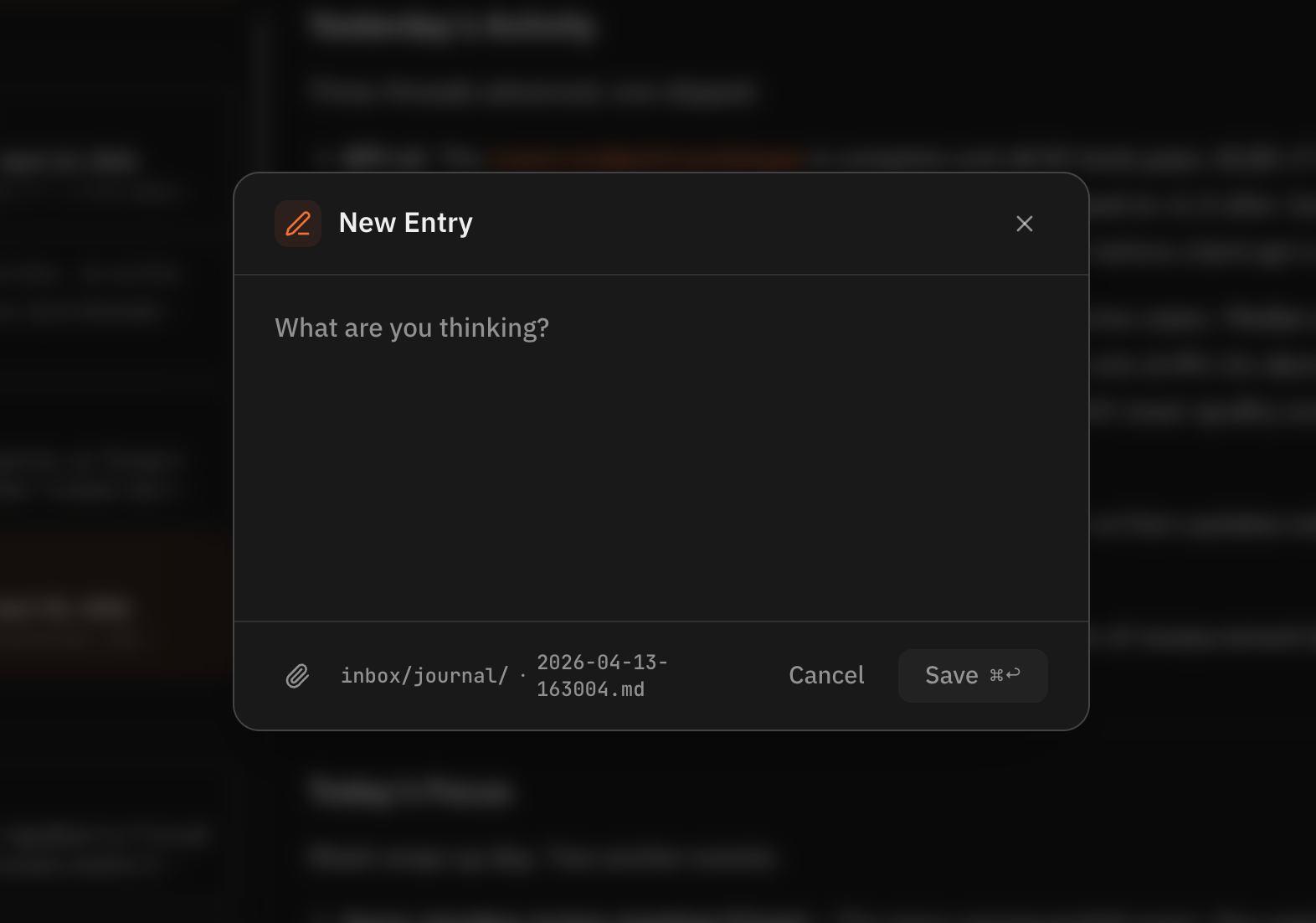
Capture
Write down whatever comes to mind. Journal entries, meeting notes, web clips — just drop them in.
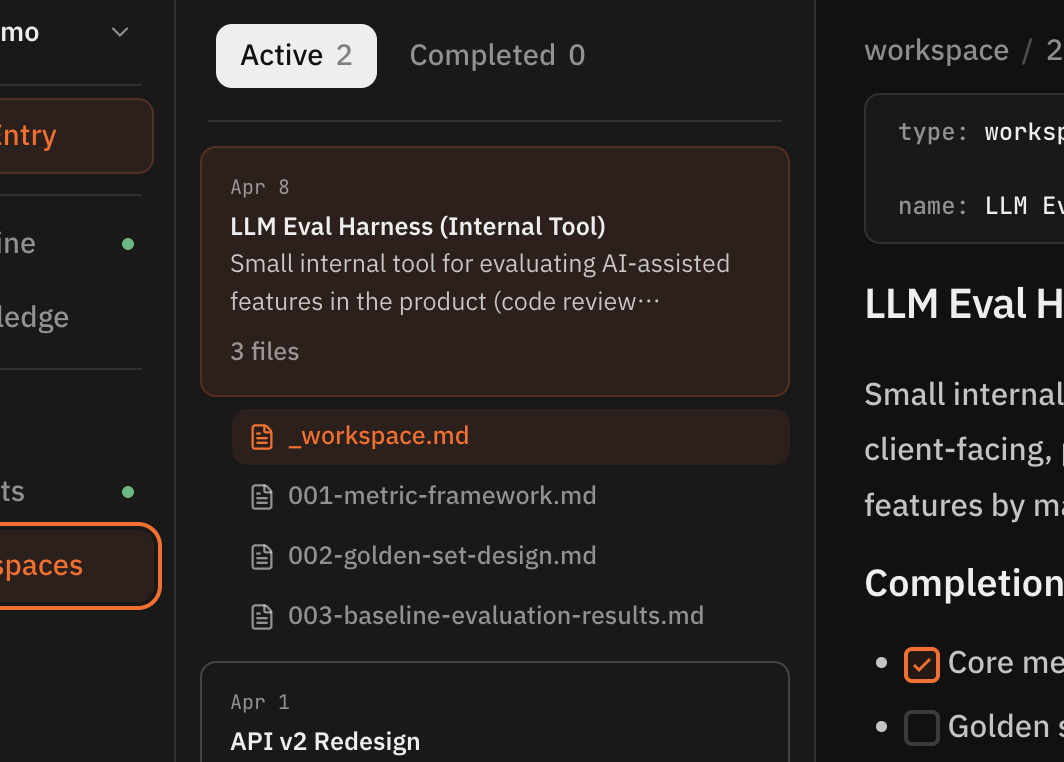
Think
AI distills your input into structured knowledge. Entities, tasks, and insights are extracted automatically. Open a workspace to think deeper on any topic.
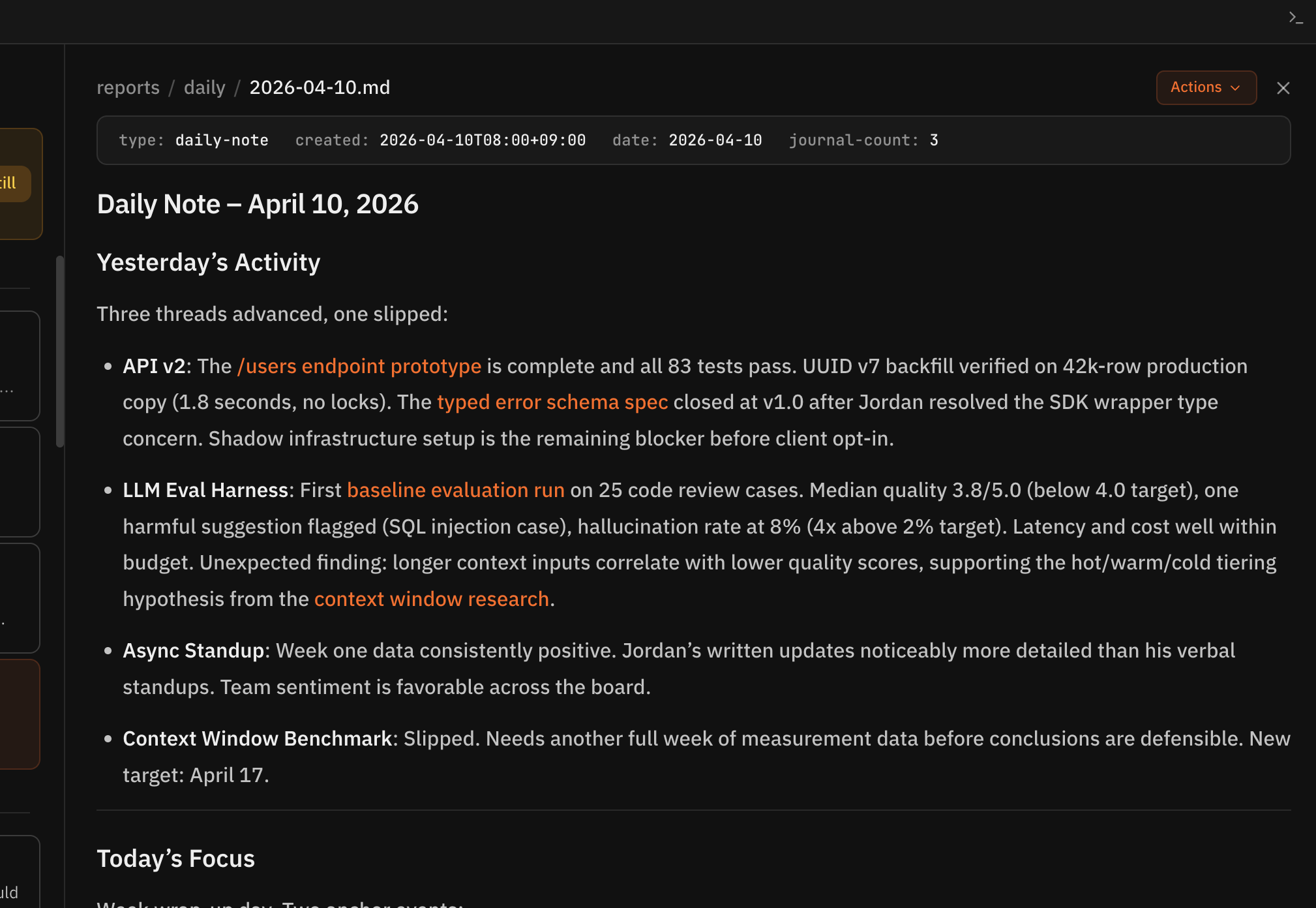
See
Your daily briefing shows what matters. A single report connects your priorities, recent activity, and relevant context.
Everything you need to think clearly.
AI Distillation
Raw input becomes structured knowledge. Automatically.
Drop in journal entries, meeting notes, web clips. Rill extracts entities, tags, and connections — building your personal knowledge graph without manual effort.
Deep Think
AI as your thinking partner.
Start a workspace, explore from multiple angles, reach a conclusion. Your thinking process is preserved — not just the answer.
Daily Briefing
Your morning starts with what matters.
A single report combines your priorities, recent activity, and relevant context. No dashboard to configure.
Plain Markdown + Git
Your data is yours. Forever.
Every file is Markdown. Every change is a commit. No proprietary format. No cloud lock-in. Works with any editor. Full audit trail through Git history.
Task Extraction
Tasks emerge from your thinking — not from manual entry.
Rill identifies action items from your journals and thinking sessions. Review and approve, or let them flow into your workflow.
Extensible Skills
Build custom workflows.
Skills are prompts that automate your process — distillation, research reports, newsletters. Extend Rill to match how you think.
Your thinking should outlast any tool.
Plain text, plain sight
Markdown files you can read with any editor. No database. No export button needed. It's already yours.
Git is the source of truth
Every change tracked. Every decision traceable. Fork, branch, revert — your thinking has version control.
Open source, open process
See how it works. Modify what you want. Built with Claude Code, powered by Claude.
Get started in minutes.
Two ways to set up Rill — both get you to the same place.
Download the App
Apple Silicon · v0.1.2 · Intel · GitHub Releases
The app guides you through setup on first launch.

Set up with Claude Code
Please set up Rill for me:

1. Install the Rill CLI and create my vault:
   curl -fsSL https://raw.githubusercontent.com/rillmd/rill/main/install.sh | bash

   This creates a vault at ~/Documents/my-rill — a folder of Markdown notes
   in my Documents (iCloud-friendly). If I'd prefer a different location,
   ask me before running, otherwise go ahead with the default.

2. Install the Rill desktop app:
   arch=$(uname -m)
   if [ "$arch" = "arm64" ]; then dmg="Rill-0.1.2-arm64.dmg"; else dmg="Rill-0.1.2-x64.dmg"; fi
   curl -fsSL "https://github.com/rillmd/rill/releases/latest/download/$dmg" -o ~/Downloads/Rill.dmg
   hdiutil attach -nobrowse ~/Downloads/Rill.dmg -mountpoint /tmp/rill-dmg
   cp -R "/tmp/rill-dmg/Rill.app" ~/Applications/
   hdiutil detach /tmp/rill-dmg
   open ~/Applications/Rill.app

3. Then cd ~/Documents/my-rill and run /onboarding

Source: https://github.com/rillmd/rill
Claude Code handles everything — CLI, vault, desktop app, and onboarding.
Requires an AI coding agent (currently Claude Code · Max Plan), macOS, and Git.
What you'll get
- • A vault — a plain folder of Markdown files that is your personal knowledge base
- • The Rill desktop app to browse your knowledge visually
- • AI skills like
/distill,/focus, and/briefingthat turn thoughts into knowledge - • A daily morning briefing that keeps you informed on what matters
Prefer the terminal?
curl -fsSL https://raw.githubusercontent.com/rillmd/rill/main/install.sh | bash
cd ~/Documents/my-rill && claude "/onboarding"
Want to read the script before running it? Inspect install.sh on GitHub.